
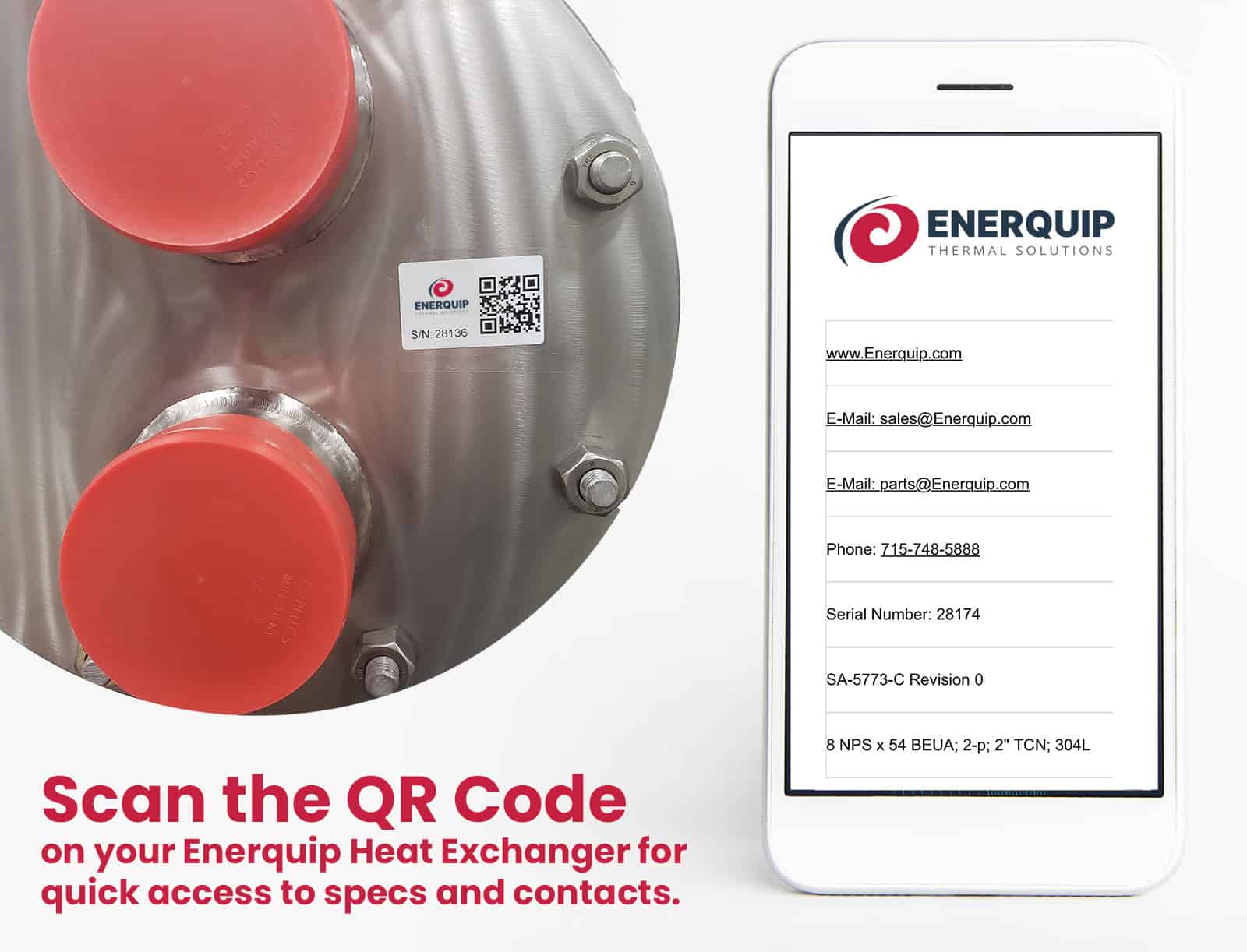
Need Information About Your Heat Exchanger? Scan the QR Code
If you have a question about a heat exchanger, the first step is to identify the right unit. If your Enerquip heat exchanger has a QR code sticker, you can scan it with your phone or tablet to pull up information specific to that equipment.
The QR code provides:
- Quickly order spare parts
- See when your heat exchanger was built
- Find its serial number, part number, and equipment description
- Access Enerquip contact information
Having these details handy makes it easier to tell our team exactly which heat exchanger you’re asking about. Look for the QR code sticker on your unit and scan it whenever you need to reference its information.
Have a question about your equipment or need spare parts or a replacement unit? Contact us.